🌧️ Small Taps, Big Ripples

NFC Tap Drops is a creative way to get the attitudes and conversations of the youth to trickle up to older generations.

Tap Drops
Handcrafted Drops, Ripple Effects for Wellness

"Brighten your day with Tap Drops! Add a splash of color to your accessories and unlock a world of creativity and calm. Where will you take yours?
Accessories Example

What Are Tap Drops?

Tap Drops are handcrafted, colorful tags that combine art and technology. When attached to accessories like keychains or pendants, they unlock fun, interactive content on your phone—just by tapping!

What Does It Mean to Attach Tap Drops to Accessories?

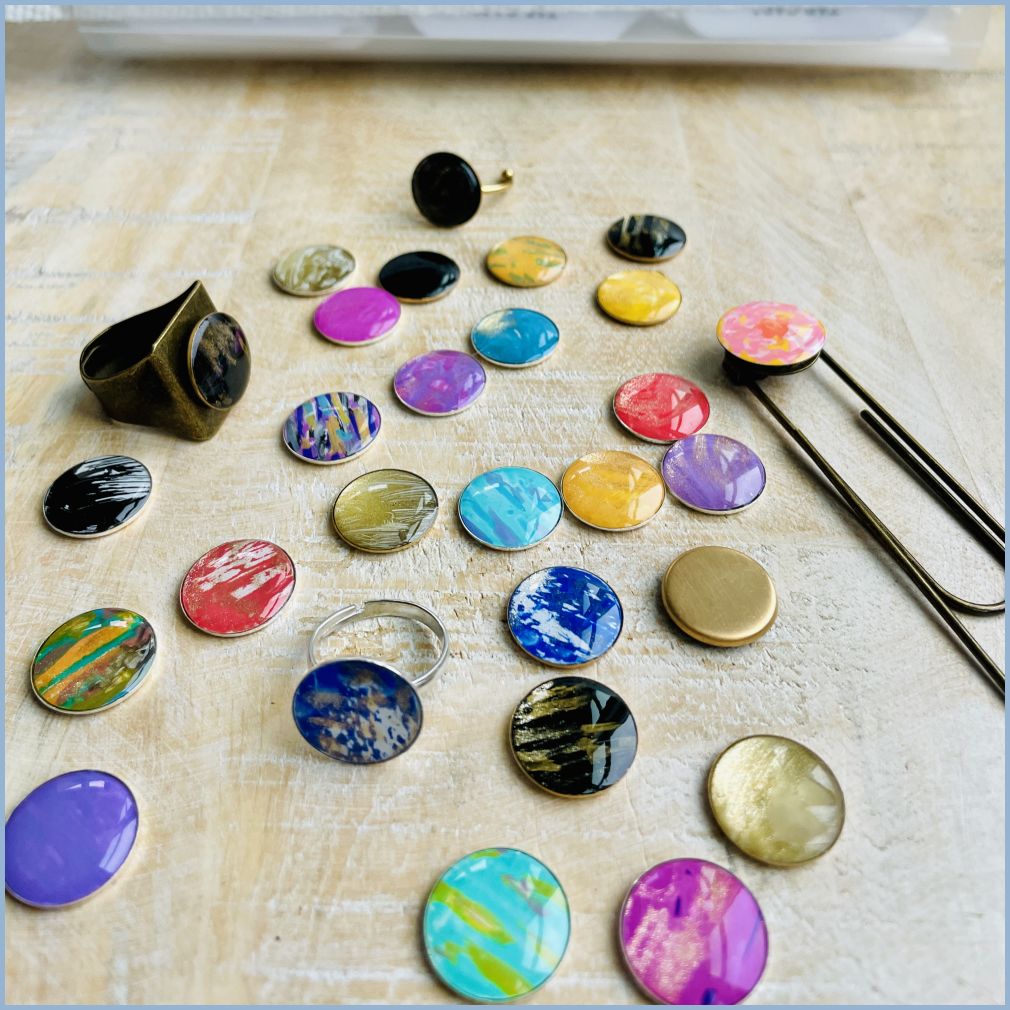
Tap Drops are designed to integrate seamlessly into your daily life. Each tag has a double-sided adhesive backing, making it easy to attach to your favorite items. To make it even easier, we also offer a variety of accessories designed specifically for Tap Drops, including:

Whether you choose one of our custom accessories or attach a Tap Drop to something of your own, you’ll have a unique and portable way to unlock 3D mental health content with a simple tap.

How Do They Work?

Tap Drops use NFC (Near Field Communication), the same technology behind contactless payments. Simply hold your phone near the Tap Drop, and it will prompt you to explore 3D mental health content, activities, and more.

Why Tap Drops?

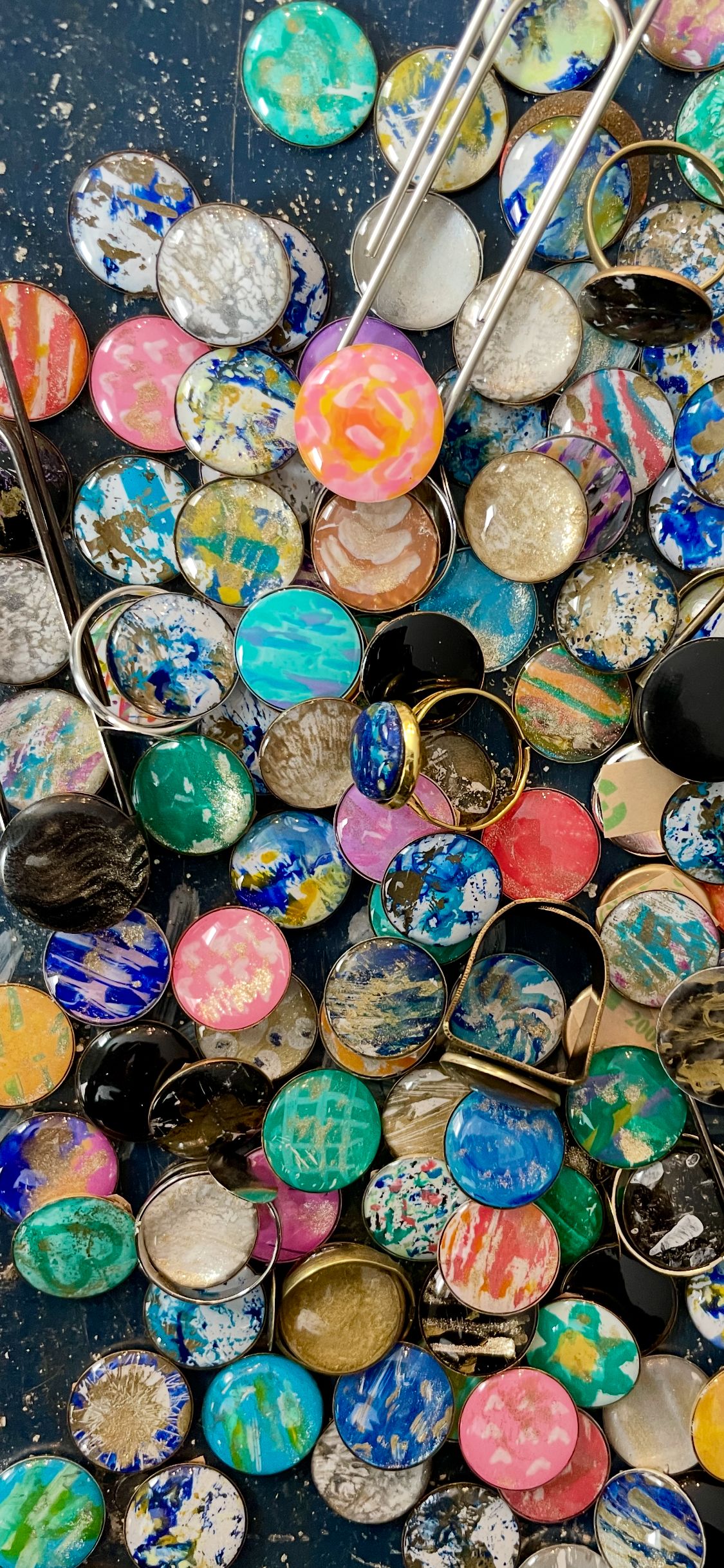
"Each Tap Drop - NFC tag is hand painted and then finished with glossy drops of resin. Attach to an accessory with the tape that is adhered on the bottom bezel. They are each pre-programmed and locked to the url for the interactive 3d mental health content."

Tap Drop
Accessories Example

Carry a Tap Drop wherever you go and let its ripple effect brighten your day and those around you.

Learn More

Frequently Asked Questions

NFC (Near Field Communication) is a technology that enables wireless data transfer between devices within a short range. Tap Drops use NFC to deliver interactive 3D mental health content. Simply tap and hold your phone near the Tap Drop to explore its unique content.

Gently tap and hold the Tap Drop against your phone’s NFC sweet spot. This spot is typically on the back of the phone, near the center or top. Hold for a moment, and your phone will prompt you to access the Tap Drop’s content.

If your phone doesn’t detect the Tap Drop, ensure NFC is enabled in your settings. For iPhones, NFC cannot be turned off but most other phones, you’ll find this under Settings > Connections > NFC. If you’re unsure of your phone’s NFC sweet spot, experiment by moving the Tap Drop along the back of your phone until it is detected.

To attach a Tap Drop, remove the protective backing from the double-sided tape. Center the Tap Drop on your accessory, and firmly press it into place. This ensures a secure and lasting hold.