Steps to Create an NFC Product with a Bezel Pendant

  1. Select a Metal Pendant/Keychain
    • Choose from various colors and styles of metal pendants to match your desired look.
  2. Attach the NFC Tag
    • Use a 25mm anti-metal NFC tag, black in color, and place it inside the bezel of the pendant.
  3. Choose Your Design Option
    • Option A:
      • Apply a .7-inch glue dot over the NFC tag.
      • Place a 25mm cabochon (glass dome) with a pre-applied design over the glue dot.
    • Option B:
      • Apply a vinyl sticker into the bezel.
      • Cover the sticker with a 25mm self-adhesive dome for a polished finish.
    • Option C:
      • Apply a 25mm self-adhesive dome onto a piece of colored vinyl paper.
      • Carefully cut around the dome to fit.
      • Remove the dome's backing and place it inside the bezel.
  4. Program the NFC Tag
    • Use NFC tools to program a URL or other information into the NFC tag.
  5. Prepare the Packaging
    • Cut out the packaging to the desired size.
    • Clip the corners for a clean look and punch a hole at the top for hanging.
    • Punch two small holes for inserting a wire tie to secure the pendant/keychain into place.
NFC Product Creation

NFC Product Creation Process

In-progress Example
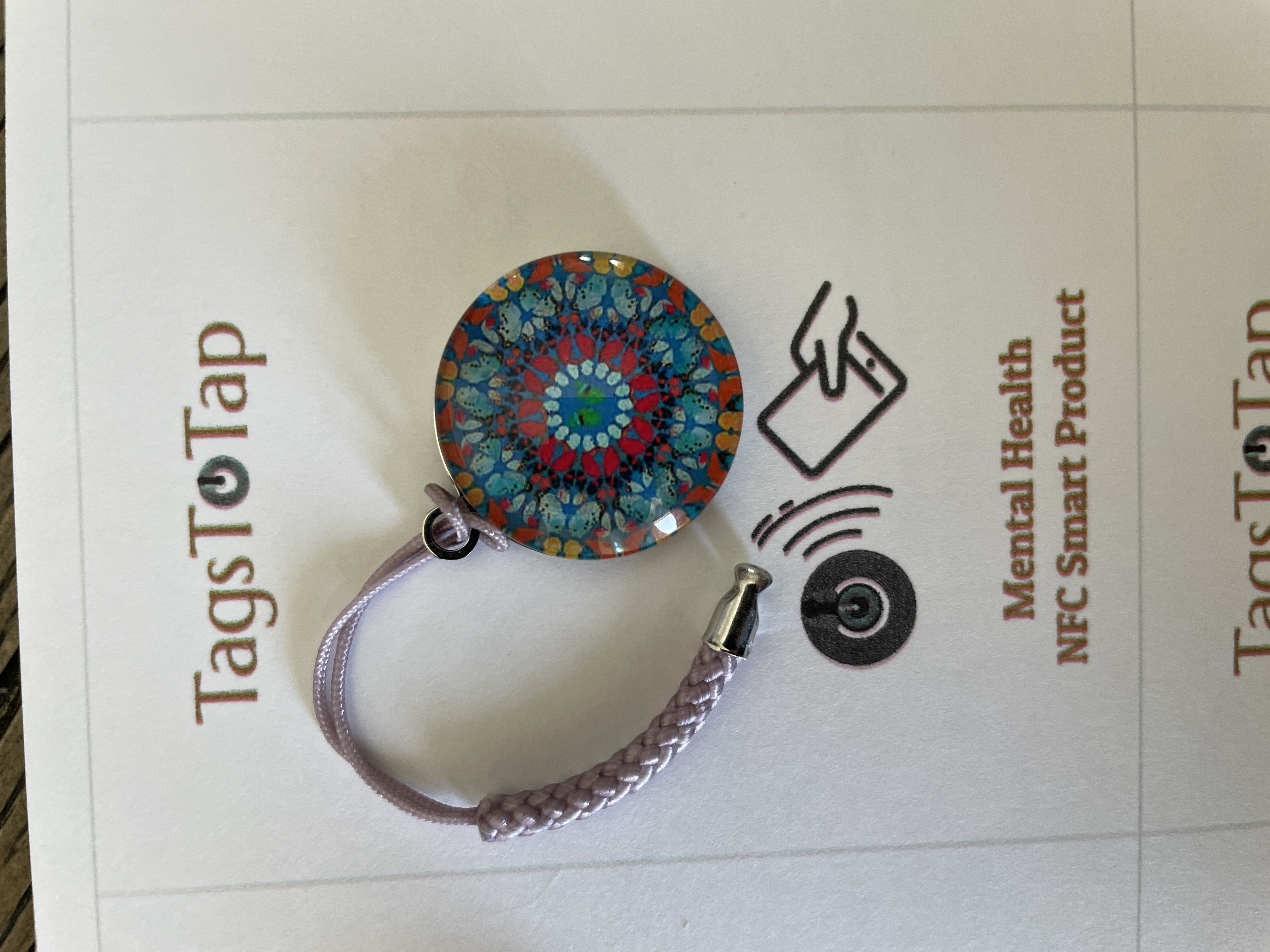
Final Product Image

This is where you can showcase an in-between step of the product creation. Highlight how the product looks with NFC tags attached, but before the final assembly.

Final Product Example

Final Product Image

This is the final product image. Show off the fully assembled pendant, including the cabochon or vinyl design. Ensure the lighting highlights the key elements, such as the NFC tag and design details.